In wenigen Schritten zum selbstgestalteten Maßhemd.
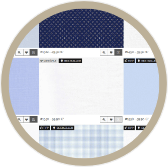
Stoff wählen Design shirt
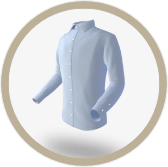
Hemddetails wählen
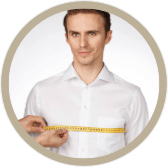
Maße eingeben
Bestellung abschließen
Maßhemden in Ihren Maßen für maximalen Tragekomfort und optimaler Passform
Sie sind nicht nur der Designer, Sie bestimmen auch die Passform. Sie vermessen sich nach unserer Anleitung selbst oder senden uns ein passendes Hemd ein, welches wir für
Sie vermessen. Sie haben außerdem jederzeit die Möglichkeit Anpassungen an Ihren Hemdmaßen vorzunehmen.
So können Sie sogar unterschiedliche Passformen für beispielsweise Ihre Alltagshemden und Ihre feinen Hemden verwenden. Oder für Ihre
Freizeithemden andere Maße als Ihre Businesshemden.
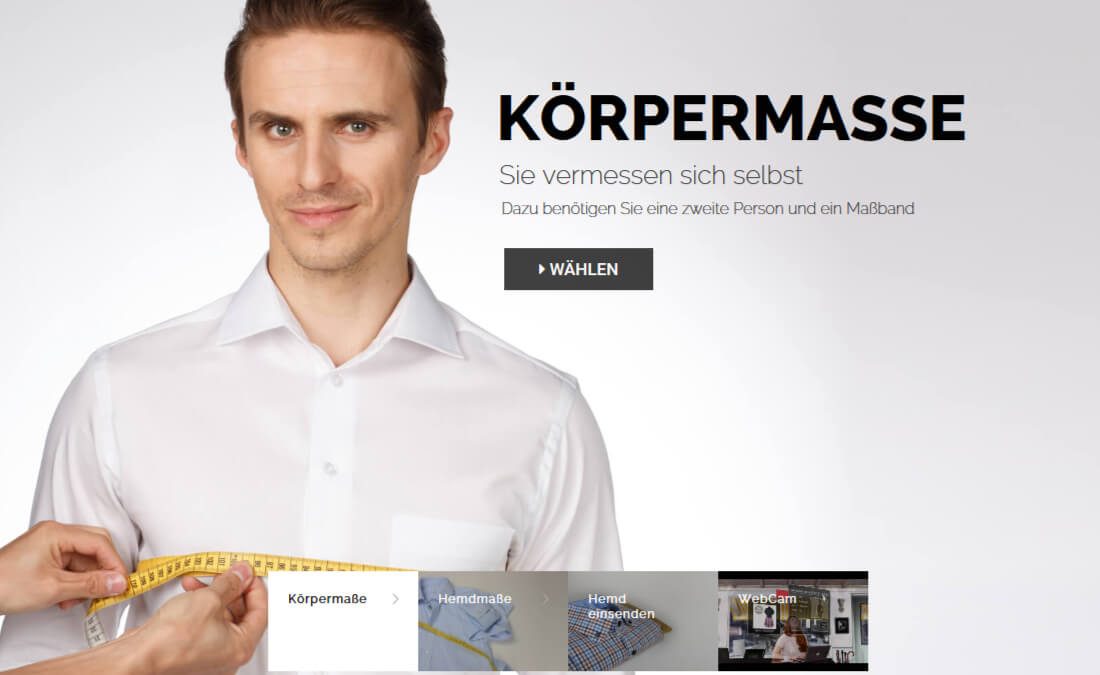
Wir halten eine Schritt-für-Schritt-Maßsystem für Sie bereit, mithilfe dessen Sie entweder ein Hemd ausmessen können oder sich selbst
vermessen können. In beiden Fällen können Sie selbst noch Anpassungen an Ihren zukünftigen Hemdmaßen vornehmen. So können Sie (falls gewünscht) bis ins letzte Detail
Maßoptimierungen vornehmen. Sogar ein Maßnehmen per WebCam ist bei hemdwerk möglich.
Hemdendesigner
You can choose shirt details as per our offer. Here is a brief guide to the configurator:
Create new shirt > Choose details > Assign measure-set to a shirt > Shopping cart (Overview)
Select the topic "Design shirt, " then click "Design new shirt". If you have a coupon code, then select "redeem coupon code".
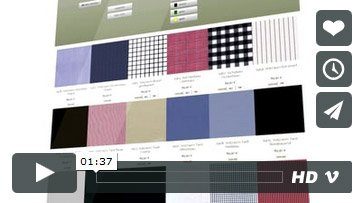
First you will get to the fabric selection. For each fabric, further information is just one click away. Please now select fabric, collar, cuffs, pocket and - if required - your personal monogram (additional charge).
If you click on the shopping cart, you see all the shirts you have created. Missing data on a shirt is marked by a red asterisk marks. If you want to remove a shirt, just click "delete shirt design". Only after you have selected all the required shirt details, you can complete your order.
With our shirt configurator, you can create multiple shirts at a time, which means you can always switch between shirts. It is important here that you assign a measure-set to each shirt (Check "Apply to current shirt") that you choose from the list or create a new and save by clicking "Save As ...".
How-to: Design your shirt start designing your shirt nowmeasurement
Take your measurements according our manuel. You can choose among body sizes, ready sizes, dress sizes and webcam.
How-to: measurement Take measureCustomer account
In order to place an order you have to have a hemdwerk customer account.
Place your order and complete the payment.
Customer accountShirts in your size and in your special design!
Be your own designer and design your shirts just how you like them! Almost unlimited combination possibilities. Or you might like to choose among?
hemdwerk-blog
 The magazine Playboy has been tested hemdwerk and says Who wants to avoid to visit a local tailorshop due to...
 The well-known TV channels Kabel1 tested in the Abenteuer Leben three ways to get easy-to-individual clothing to size. Also there:...
Custom made clothing
Since 2005 hemdwerk is a synonym for custom made shirts of high quality


 hemdwerk